Know where every asset is and what it needs next.
Tag your equipment and scan it in the field. Location, service history and open work stay on one record that your field and office teams share.
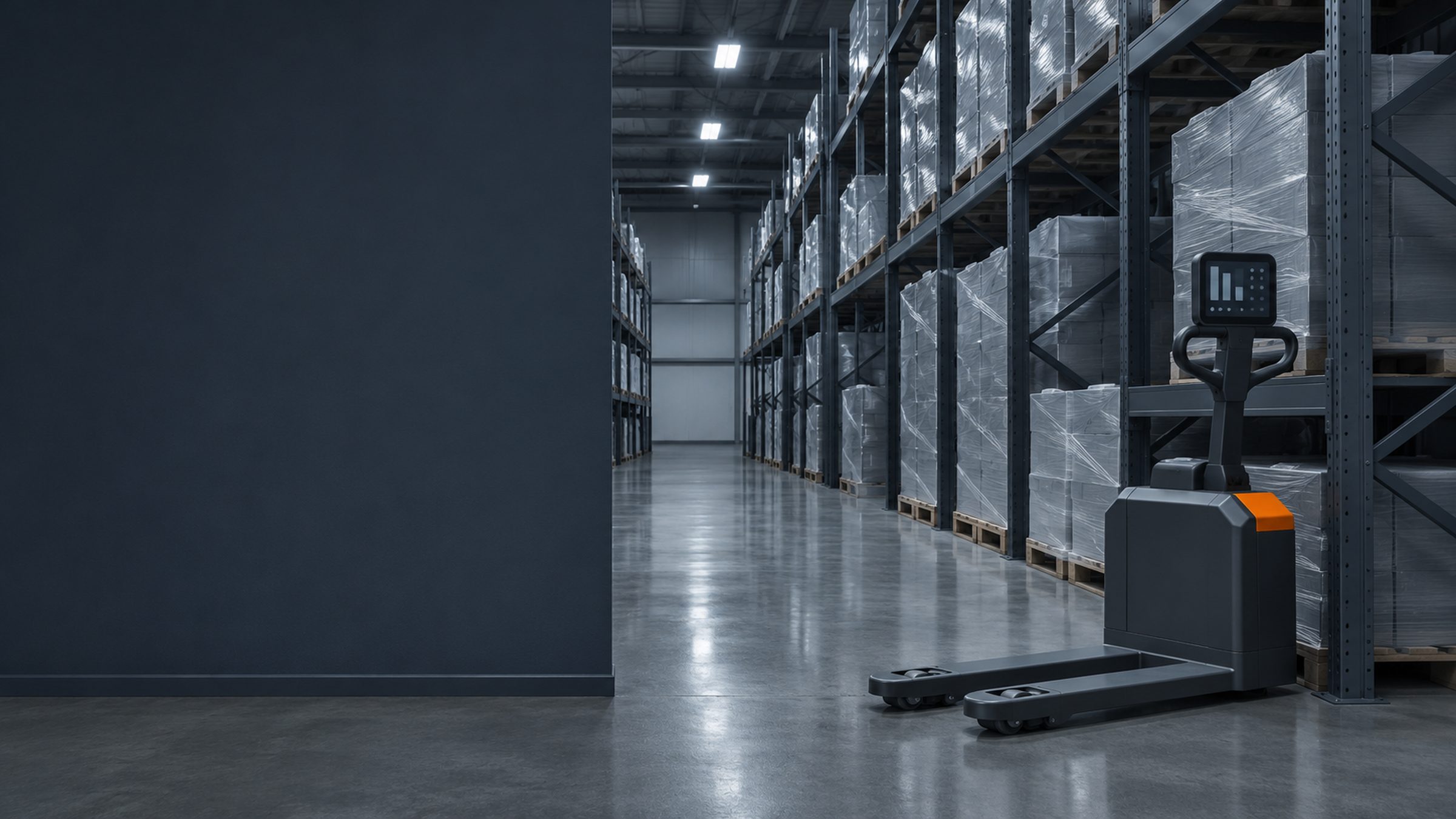
- Warehousing
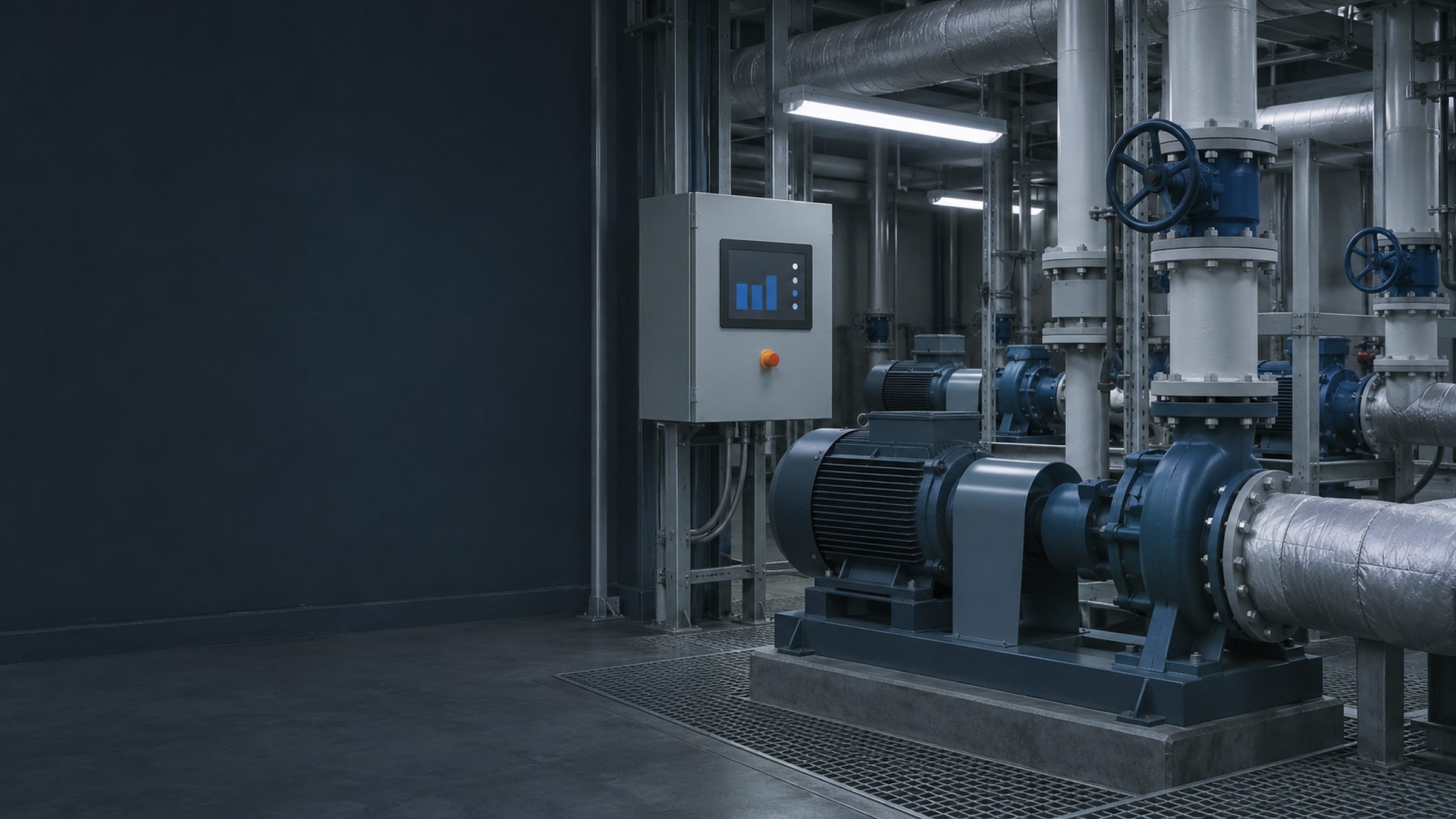
- Facilities
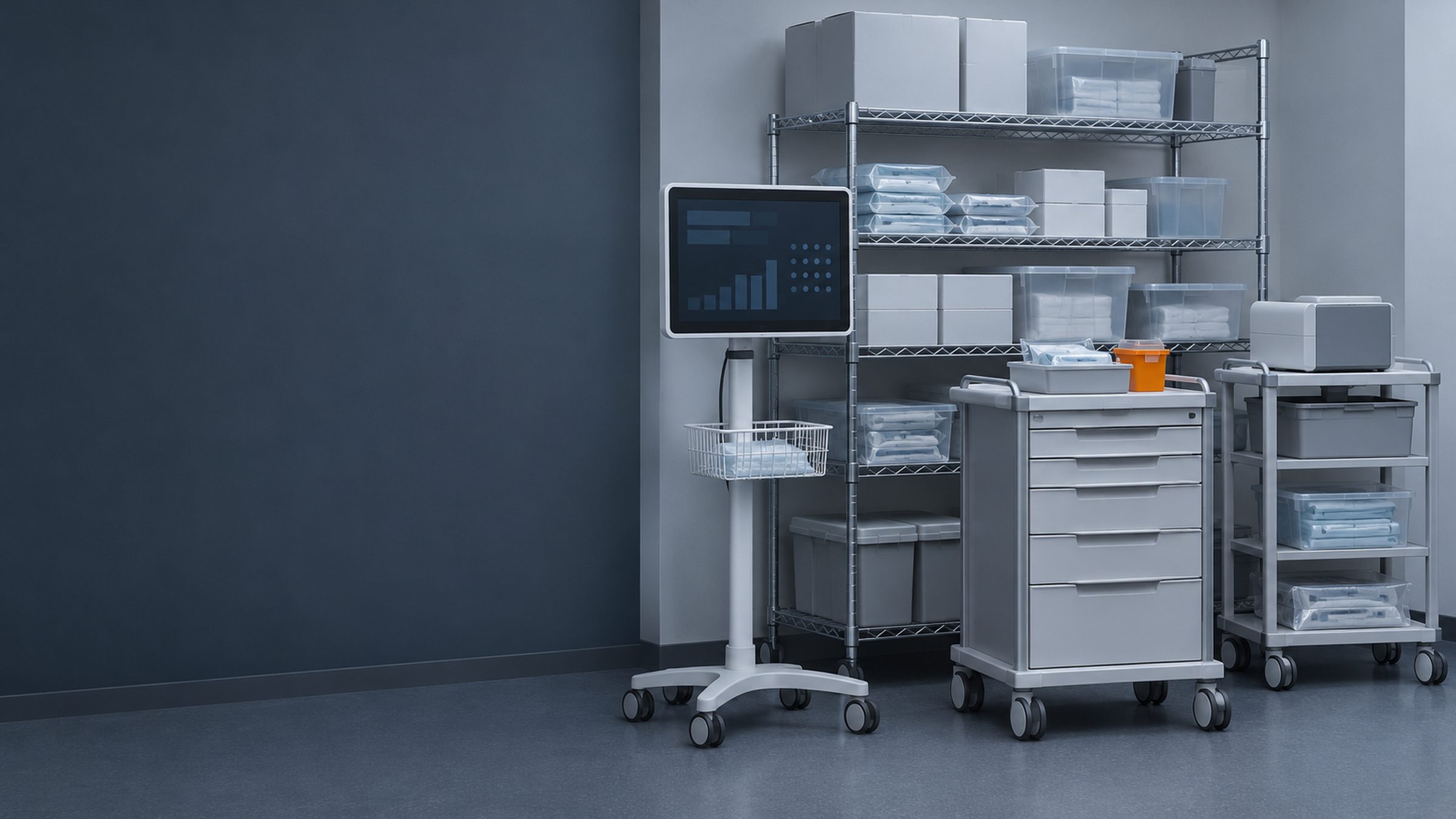
- Healthcare
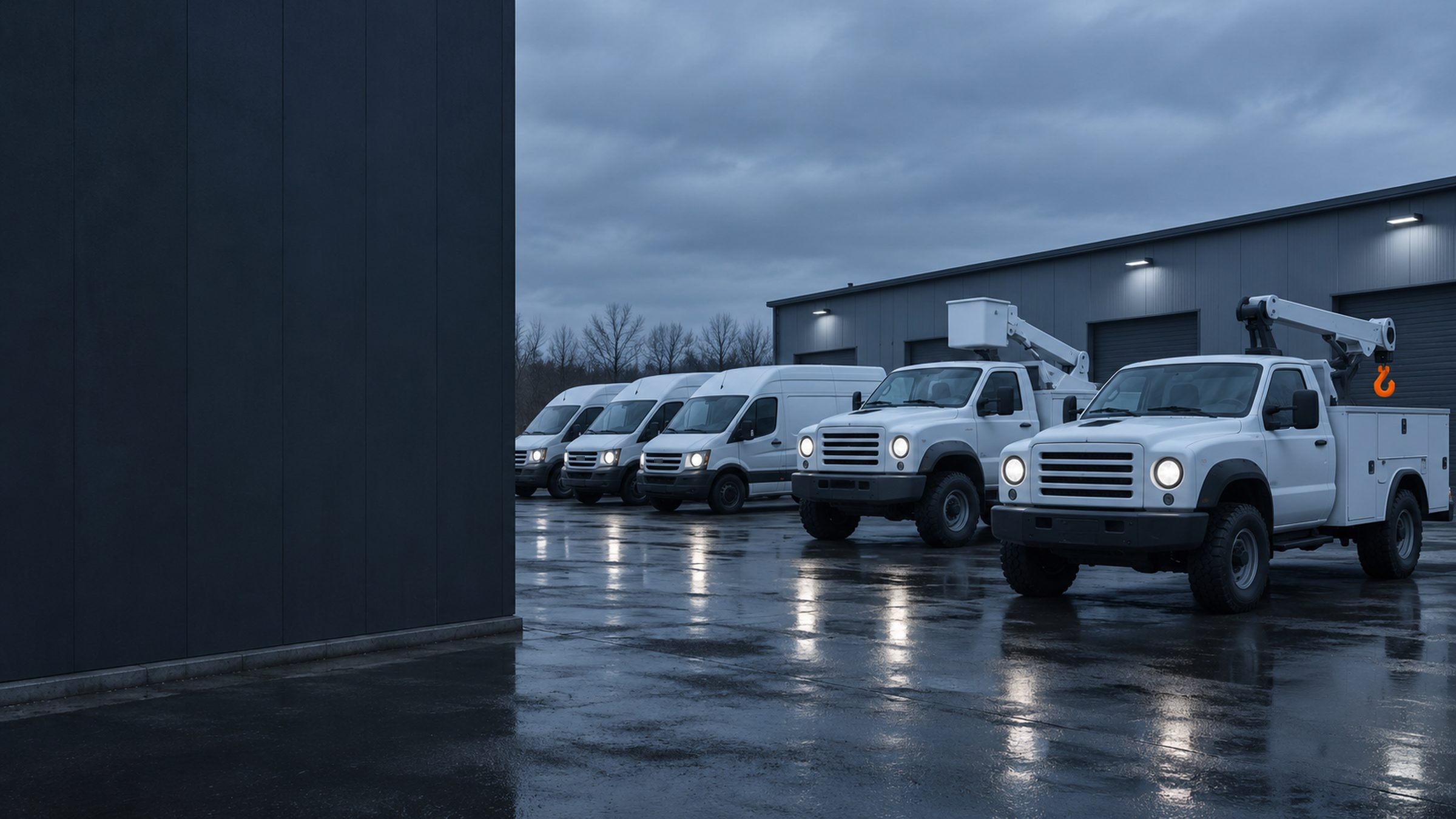
- Fleet
Asset
Portable generator
- Location
- North Yard, storage
- Condition
- Good, checked by the yard lead
- Next work
- Service due next week
- Moved from South DockToday
- Service completedLast month
- Inspected, no issuesEarlier this year
- Tagged and addedIn the spring
Equipment moves every day. The records don't keep up.
When asset records are spread across spreadsheets and separate systems, every move or repair means another update. Miss one, and the field and office are working from different information.
- Time lost tracking down equipment.
- Maintenance missed when records fall behind.
- Service history scattered across systems.
Rebaar gives every asset one record, shared by the field and the office.
Scan a tag. See the asset.
-
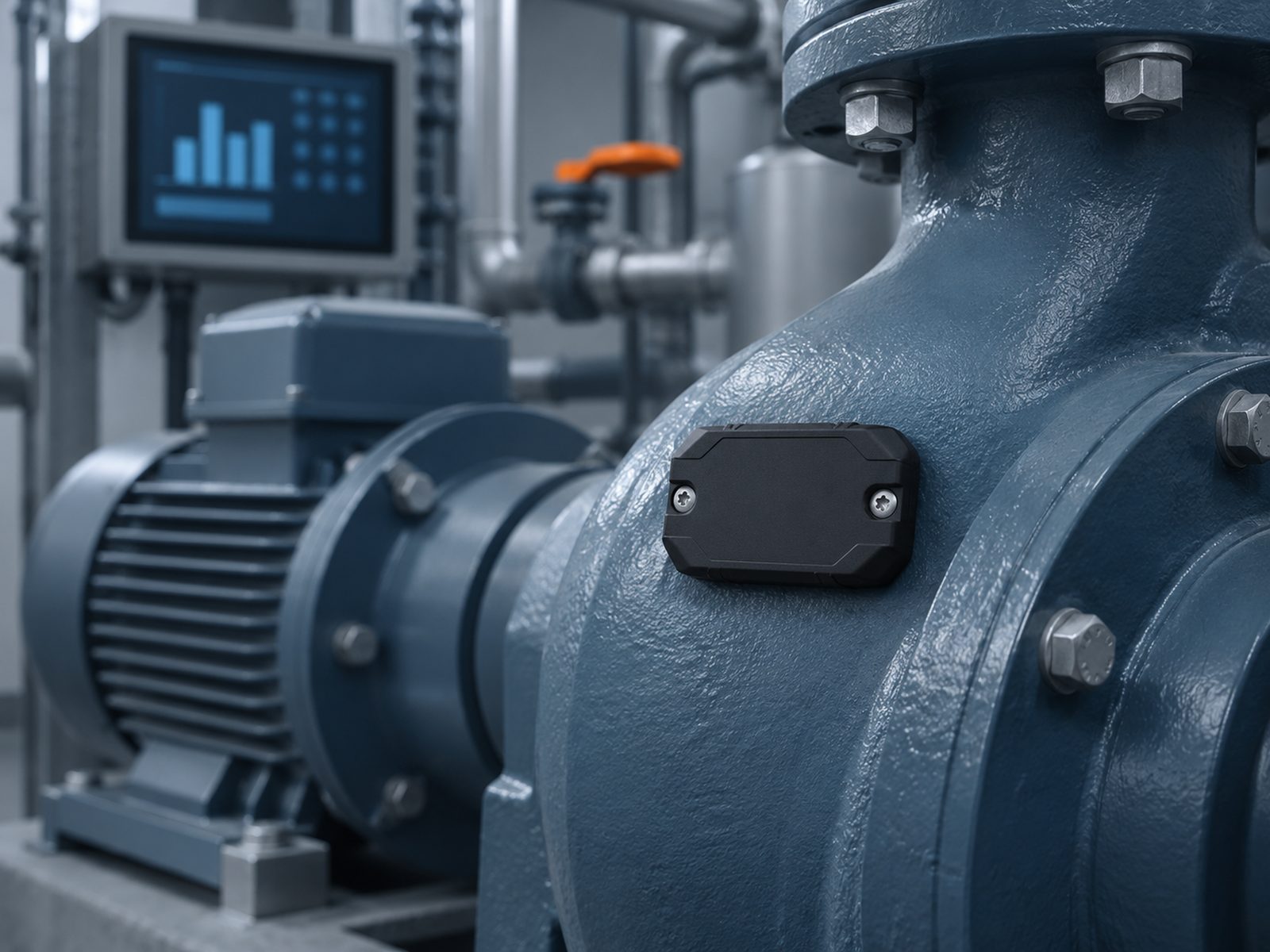
Scan.
Scan an asset's tag with a handheld, on site, in storage or in the shop.
-
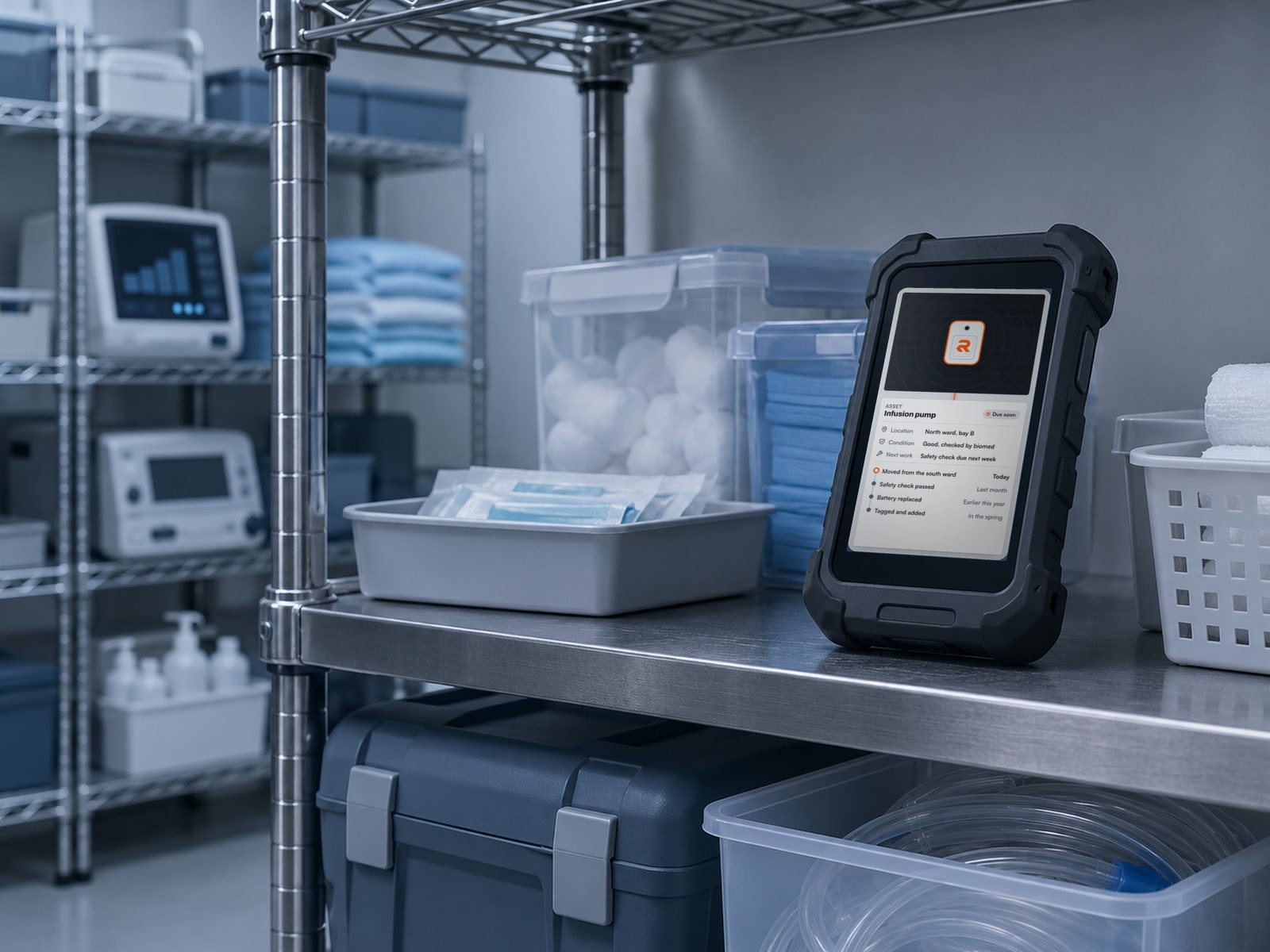
See.
See its recorded location, condition, service history and open work, from the same record the office uses.
-
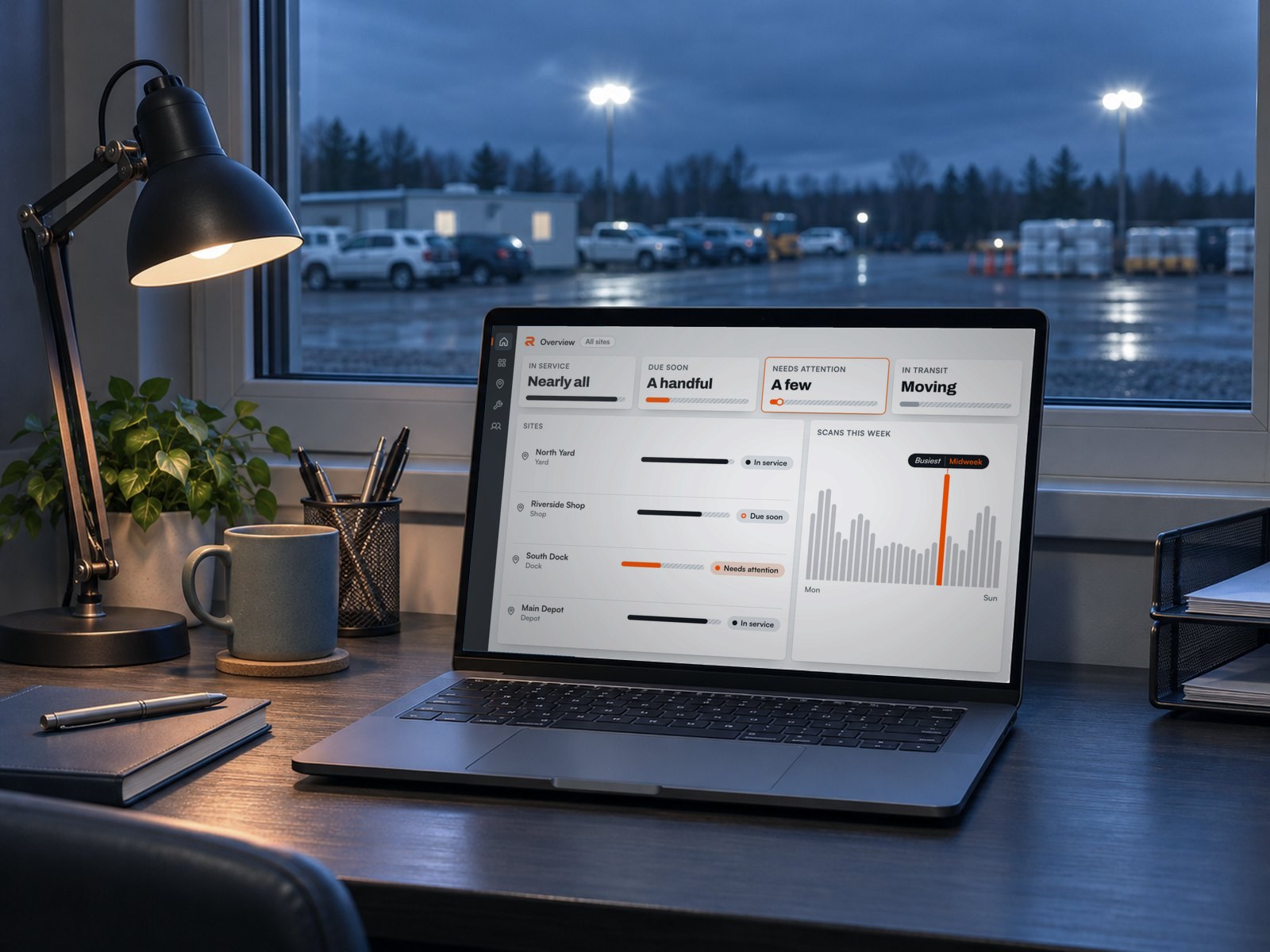
Act.
Record a move, update a work order or assign a task. The record updates for everyone who uses it.
What the office sees.
OverviewAll sites18In service
Ready to work
3Due soon
Need service
2Needs attention
Have issues
4In transit
Between sites
Tasks due today
- Pre-shift checkForklift, North YardDone
- Battery swapPallet jack, Main DepotThis morning
- Barrier at the walkwaySouth DockOverdue
- Filter changeAir compressor, Riverside ShopBy noon
Needs attention
- GeneratorSouth Dock, fault reportedNeeds attention
- Light towerRiverside Shop, service overdueDue soon
Tasking compliance
92%
- On time 23
- Late 2
- Missed 0
Done on time this week
Scans this week
Map
AllIn serviceDueAsset recordAsset
Light tower
- Location
- South Dock
- Next work
- Service next week
- Last scan
- This morning
Illustrative. Every name and record here is invented.
One system for every asset and the work done on it.
Asset tracking.
Check an asset's recorded location, condition and movement history across your sites.
Asset recordRiverside ShopIllustrativeAsset
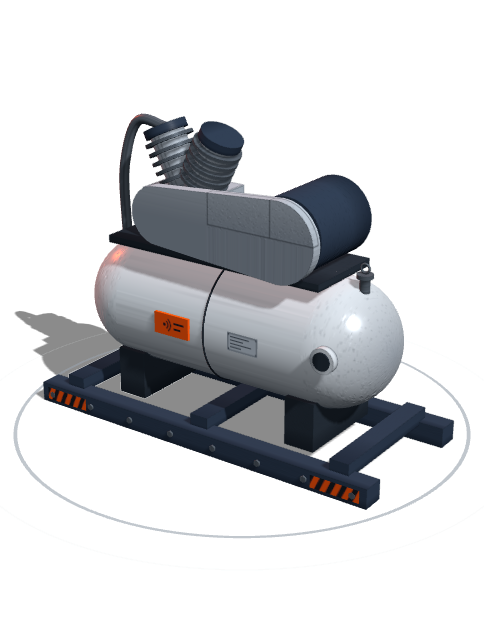
Compressor
- Location
- Riverside Shop
- Asset type
- Air compressor
- In service
- In the spring
Where it has been
- Scanned at Riverside ShopThis morning
- Moved from North YardLast week
- Service completedLast month
Work ordersAll sitesOpen
In process
Done
Preventive schedule
- Compressor serviceEvery quarterDue next week
- Generator inspectionEvery monthDone
- Light tower checkEvery seasonScheduled
Preventive maintenance.
Schedule maintenance, manage work orders and keep the service record with the asset.
IncidentSouth DockLoading bay
Near miss
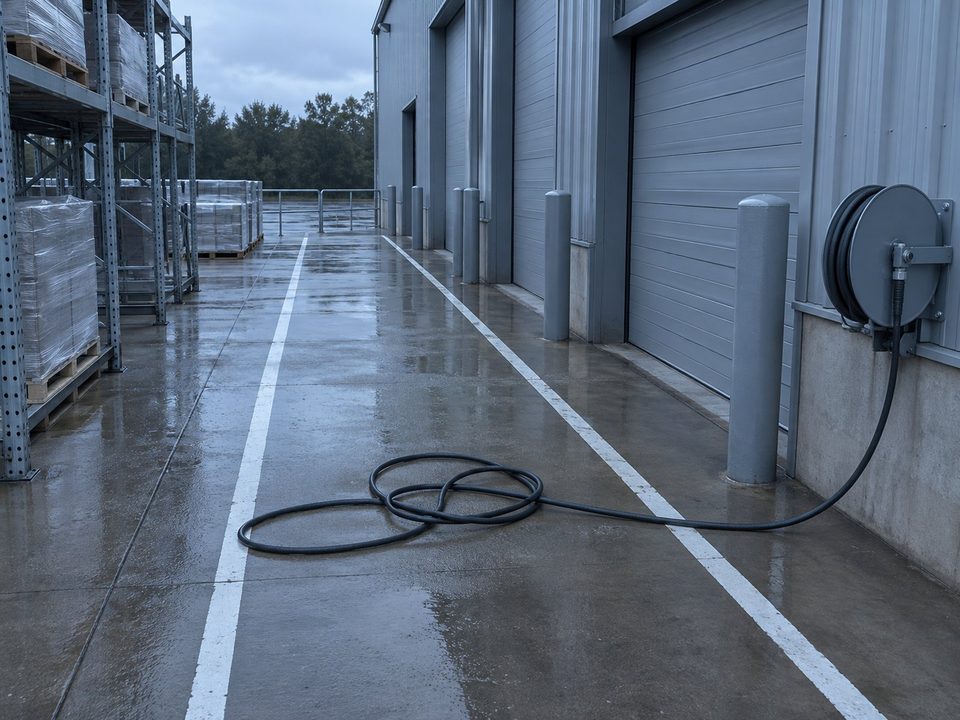 Photo from the walkway
Progress
- ReportedNight shift, last night
- ReviewedShift lead, this morning
- ActionedSet up a barrier at the walkway
- Closed
Safety and incident reporting.
Report incidents in the field and track the actions taken in response.
TasksAll sitesRecurring, this week
WeekMonthTasks and field work.
Assign tasks, record completed work and see which crew did it.
FormAll sitesLight tower
Pre-start check
- Lights workPassFail
- Guards in placePassFail
- Fuel levelFullLow
- Area clearPassFail
Sent to
- Shop leadThis morningRead
- Safety leadNot yetNew
Field forms.
Give each role the forms it needs and send completed records to the right people.
ReportAll sitesWork on time
Most
Open incidents
Few
Forms filed
Every shift
Work done by week
SeasonYearReporting.
See asset status and work across your sites, with saved and custom reports.
One kit, ready for the field.
Tags, handhelds and software, configured to work together.
Tags.
Link each asset to its record. If a tag is damaged, replace it without losing the asset's history.
Handhelds.
Android handhelds with a built-in tag reader, set up to open straight into Rebaar.
Software.
Manage assets and the work tied to them from the handheld or the web app.
Already have tags and handhelds?
Often they work. We check your RFID tags and handhelds against Rebaar first. Where they fit, Rebaar works with them, and we supply only what is missing.
- Tell us what you use.The tags and handhelds you have today, and which assets carry them.
- We check the fit.We test them against Rebaar before you buy anything.
- We supply the rest.You get only what is missing, set up to work with what you keep.
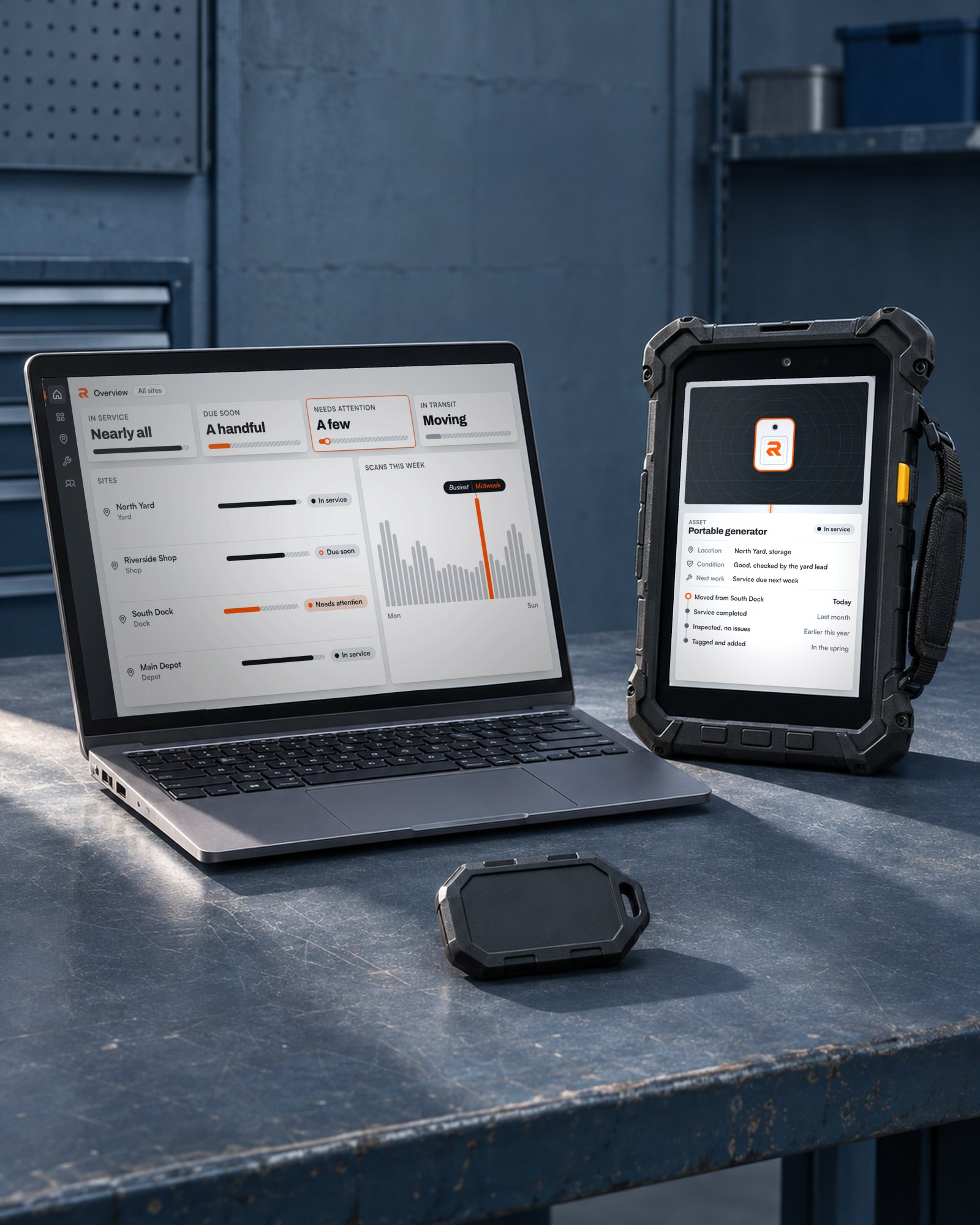
Getting started with Rebaar.
-
Tag assets.
Give each asset a tag linked to its record, so a scan opens its history.
-
Set up devices.
Your handhelds arrive configured for Rebaar and ready to scan in the field.
-
Train crews.
We show your team how to scan assets, view records and work with work orders.
-
Go live.
Your crews start scanning, and each asset's record fills in as they work.
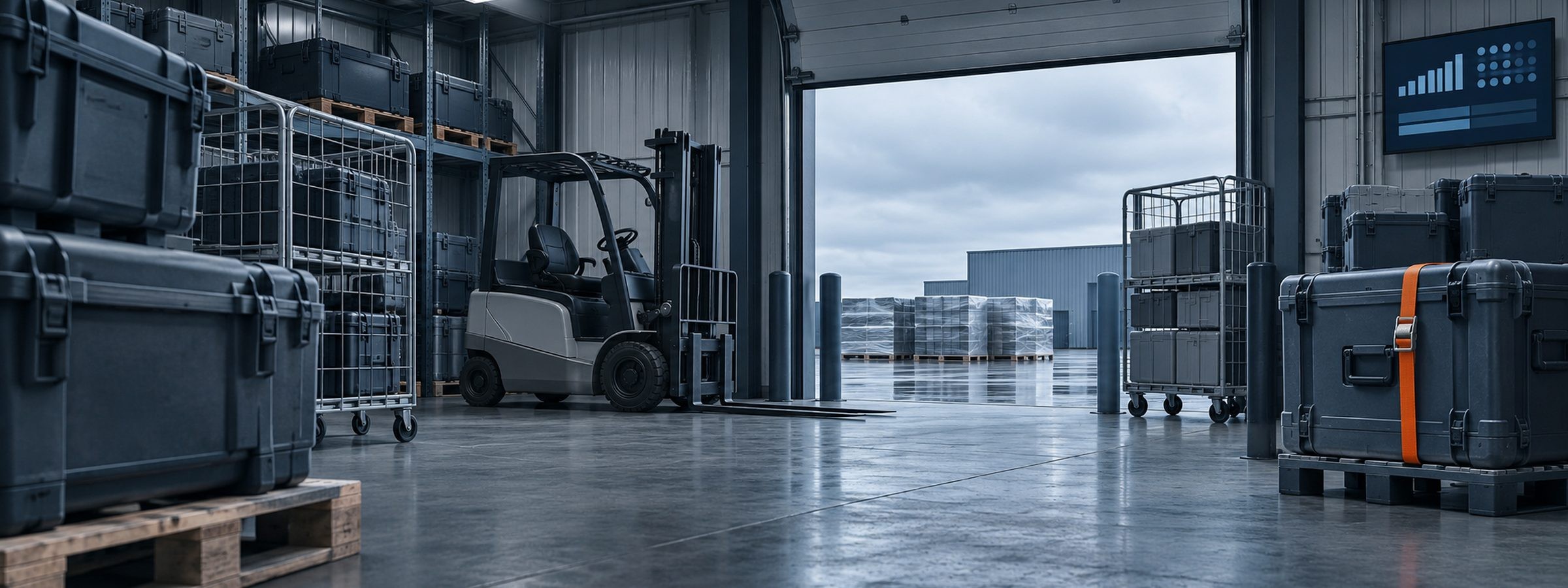
Built first for teams that run on heavy equipment.
Rebaar was shaped by work with field crews, learning how equipment moves, maintenance is managed and work is recorded. It is built with operators, one industry at a time.
FAQs
Is it a fit
Is Rebaar only for heavy equipment?
No. Rebaar is for any team that runs on physical assets. It was built first for teams that run on heavy equipment.
What kinds of assets can we track?
Any physical asset that can carry a tag, such as generators, air handlers, infusion pumps and trailers. You set up the asset types that match your equipment.
Does it work with the systems we already run?
Tell us which systems you use and what needs to connect. We'll review the integration requirements with you.
Getting started
Who sources the handhelds?
We do, unless you already have ones that fit. We set them up and ship them ready to scan.
Can we bring in the assets and records we already have?
Yes. We bring in your existing assets and their records when we set you up, so you start with your full list.
How long does a rollout take?
Plan for a rollout over a few months.
Can we start with one site and add the rest later?
Yes. Start with one site and add the rest when you're ready.
How do our crews learn it?
We train your crews before you go live, covering asset scans, records and work orders.
Can we run a pilot before we commit?
Yes. Start with a pilot before you commit.
What happens after we request a demo?
We reply to you and show you how Rebaar handles the assets you track. We use your details only for that reply.
The kit
What's in the kit?
RFID tags, Android handhelds with a built-in reader, and the Rebaar software on the handheld and on the web.
Can we use the tags and handhelds we already have?
Often, yes. We check your tags and handhelds first. Where they fit, Rebaar works with them, and we supply only what is missing.
What if a tag is damaged?
Replace the tag and the asset keeps its record and its history.
Can crews use the handheld for anything else?
No. The handheld is configured to open straight into Rebaar.
Day to day
Does Rebaar track assets live, like GPS?
No. Rebaar shows the location recorded for each asset. When a move is logged, the updated location is shared with your team.
How is a move between sites tracked?
Send the asset as a transfer. Its record shows it in transit until the receiving site accepts it.
What does the office use?
The Rebaar web app. It works from the same records the handhelds update.
Can managers check Rebaar on a phone?
Yes. Managers can check Rebaar from a phone.
Can we control who sees what?
Yes. Each person gets a permission level, and your admins set what each level can see and do.
Who owns our data?
You do. Your records belong to you.
Who helps us when something goes wrong?
We do. Reach us from the support tab in Rebaar, and you have a direct line to the people who built it.
The structure beneath the work.
Tell us what you track and how you manage it today. We'll show you how Rebaar brings the records and work together.